I wanted to stay with Windows—but Microsoft drove me away with ads, locking me into OneDrive, and even blocking Windows 11 on my old laptop. MacOS wasn’t a solution, and neither was ChromeOS. I considered BSD, but it’s more suited to enthusiasts, and my top principle is that it must just work. Linux offered the best balance: multiple distributions to explore, beginner-friendly options, and broad software and hardware support.
I hadn’t seen Michael Tunnell’s video at the time, but experimenting with several distributions led me to Kubuntu Linux. This post was partly inspired by Michael's video and aims to save you time. I still recommend trying multiple distros before deciding—exploration teaches you, makes future changes less intimidating, and is genuinely fun. So much so that there’s even a term for it: “distro hopping.”
The recommendations are organized by hardware:
- Modern hardware: less than 8 years old, 8 GB RAM or more, SSD storage
- Intermediate hardware: 8+ years old, 8 GB RAM, with or without SSD storage
- Older hardware: 8+ years old, 4 GB RAM or less, mechanical hard drive only
Watch Michael's video here: ... the distros beginners should try
Modern hardware
Computers less than 8 years old, 8 GB RAM or more, SSD storage
Windows-like experience
If you prefer the Windows desktop, pick one of the following:
- Kubuntu - Ubuntu with the KDE Plasma6 desktop. Perfect for Windows users that want to move to Linux. Best chances for proprietary hardware support. (e.g. DisplayLink)
- Fedora KDE Plasma desktop - Fedora Linux with the KDE Plasma6 desktop. Slightly faster release of new versions.
- Linux Mint Cinnamon edition - flagship edition of Linux Mint, that strongly resembles the Windows desktop.
- Zorin OS - based on Ubuntu with both free and paid versions. It uses a GNOME desktop that is customised to resemble Windows.
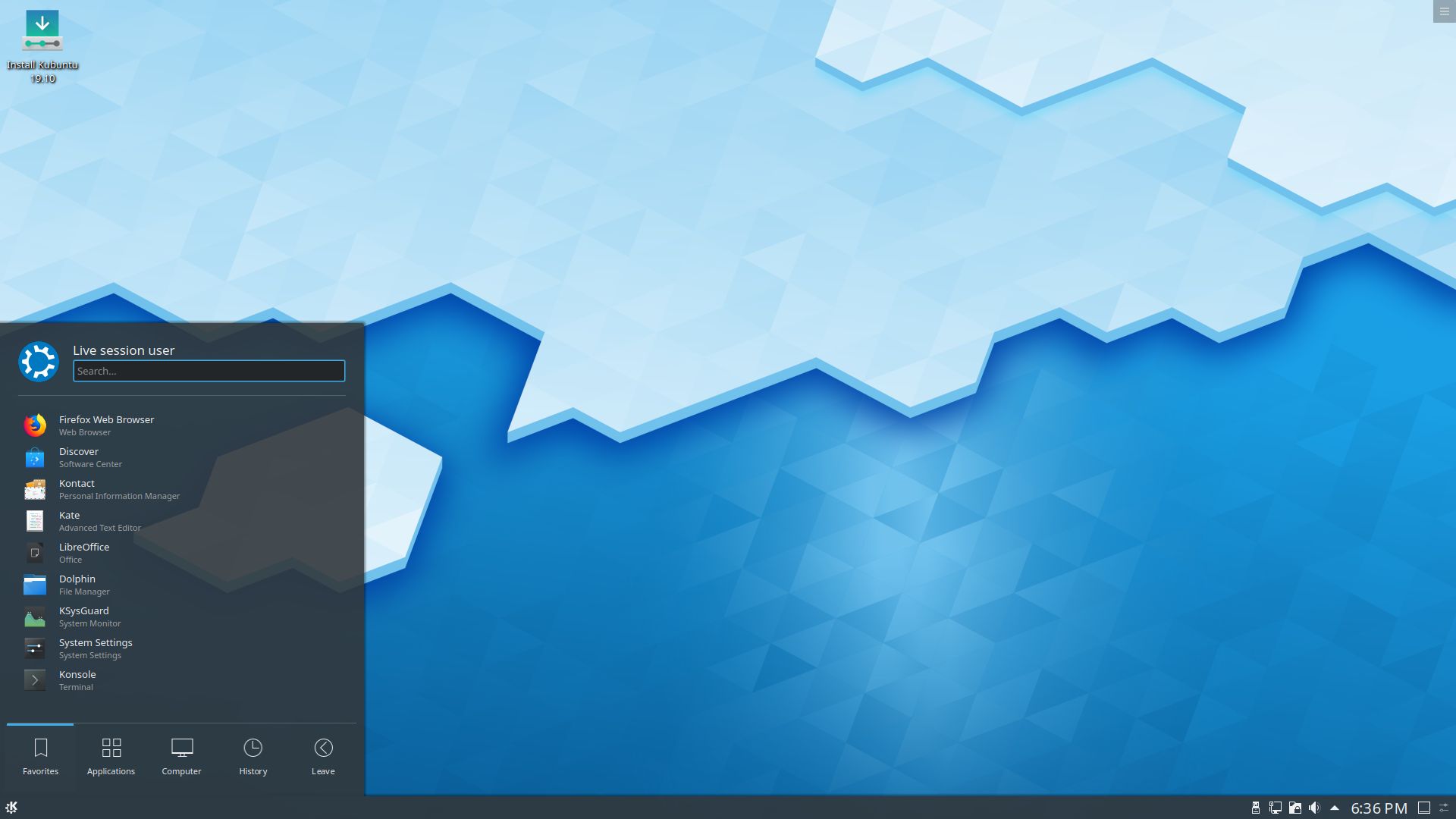
Picture: Kubuntu
MacOS-like experience
If your prefer the MacOS desktop, pick one of the following beginner-friendly distributions:
- Ubuntu Budgie - Ubuntu flavour with the Budgie desktop, that is very similar to MacOS in its layout. Best chances for proprietary hardware support. (e.g. DisplayLink)
- ElementaryOS - Linux distribution based on Ubuntu that uses its own custom desktop environment called Pantheon that is very similar to MacOS in its layout.
- Pop!_os - Linux distribution based on Ubuntu that features the COSMIC desktop environment, which resembles MacOS in its layout.
- Fedora - Fedora's linux with the Gnome desktop, that resembles MacOS in its layout. Slightly faster release of new versions.
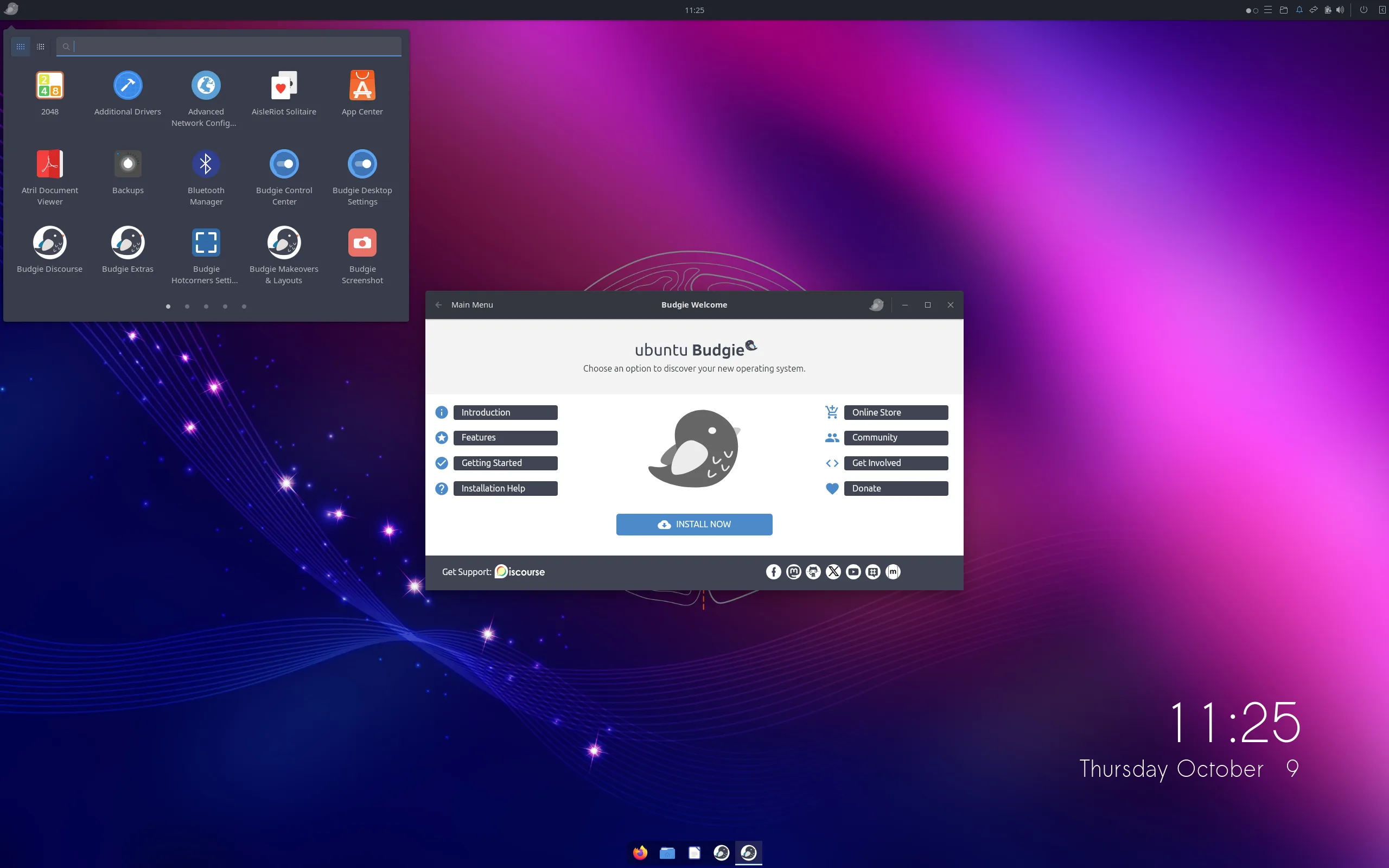
Picture: Ubuntu Budgie
Intermediate hardware
Computers of over 8 years old, 8 GB RAM, with or without SSD storage
Distributions for modern hardware should work just fine, especially if you have upgraded the system with SSD storage. The distributions recommended for older hardware (below) will feel extremely responsive.
Older hardware
Computers of over 8 years old, 4 GB RAM or less, only mechanical harddisk
Pick a beginner-friendly distibution that uses the LXQt or XFCE desktop:
- Lubuntu - Ubuntu with the LXQt desktop is the lightest option by a small to moderate margin, at the cost of slightly more dated aestetics.
- Xubuntu - extremely lightweight Ubuntu flavour. Best chances for proprietary hardware support. (e.g. DisplayLink)
- Linux Mint XFCE edition - extremely lightweight, slightly more beginner-friendly,
- Zorin OS - based on Ubuntu with both free and paid versions. Select the Xfce4 desktop environment when installing Zorin OS.
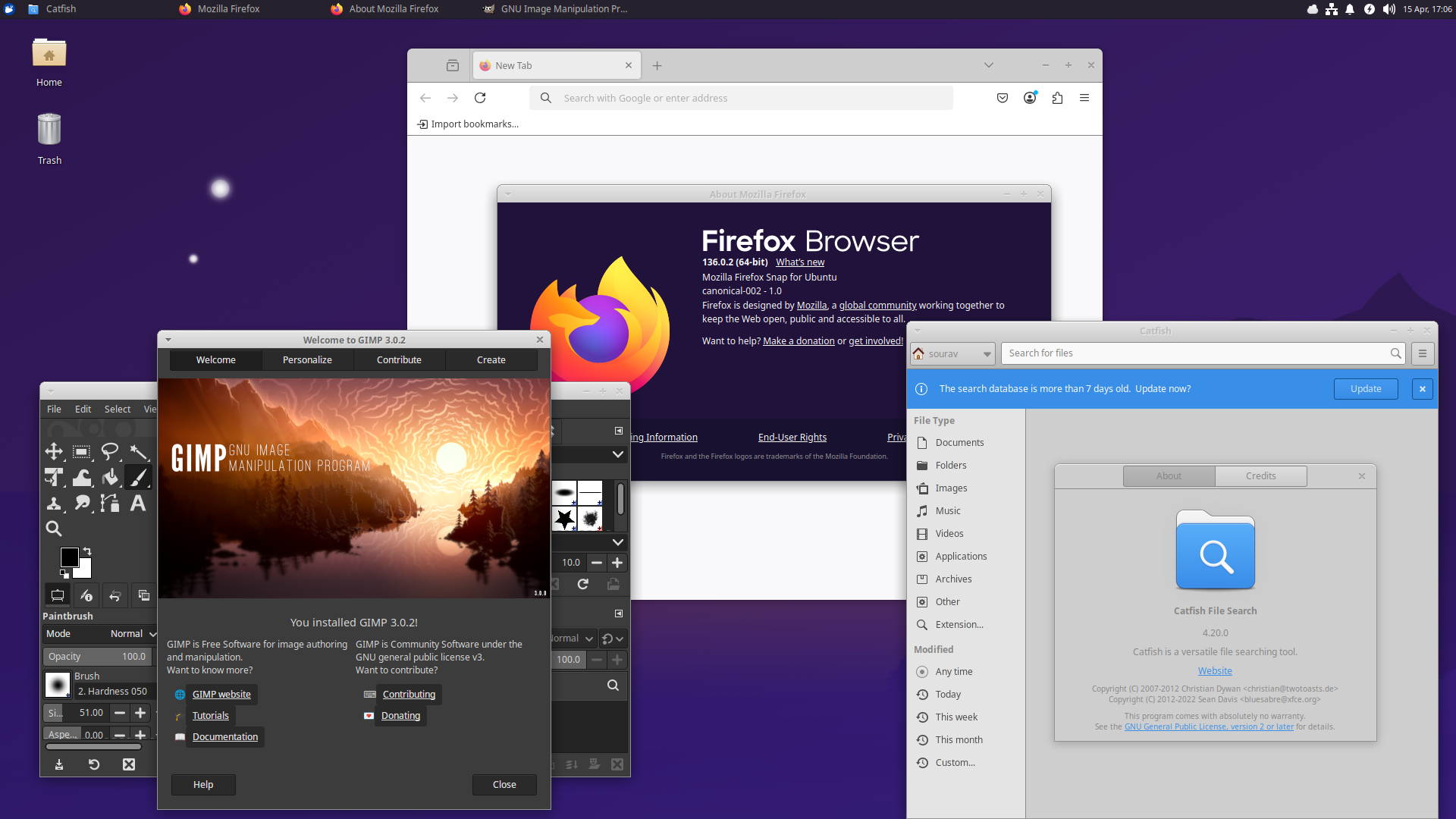
Picture: Xubuntu Linux
Closing thoughts
Choosing a Linux distribution is less consequential than it might seem. Most beginner-friendly distributions share the same underlying technology, support the same software, and can be reinstalled in under an hour. The "wrong" choice is rarely a problem — and trying a few options is part of the process.
If you're unsure, start with the recommendation that matches your hardware and preferred desktop style. You can always move on later. That flexibility is, after all, the point.
Comment and discuss this article...
Want to read more? DistroWatch provides more information about Linux distrubutions, and links to their websites.